Getting Started in Fling Arena
A day-one walkthrough for Fling Blade Arena [BETA]—from first join to your first smart shop unlock.
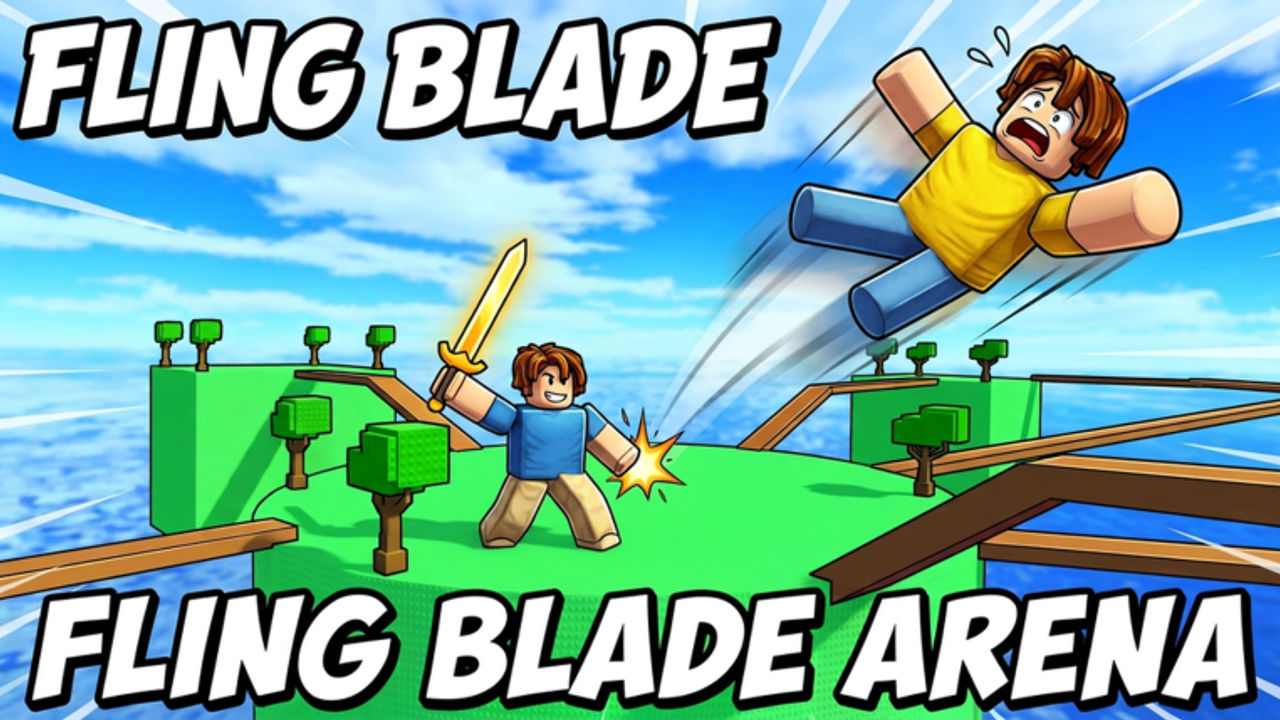
This Getting Started guide walks you through your first sessions in Fling Arena, the fan name we use for the Roblox experience Fling Blade Arena [BETA]. Creator credit goes to Tps_Rayan99 (Proximity) with related account WSIWS10. The place ID is 77742527870224 (universe 10760858968). Genre tagging sits under Action / Battlegrounds & Fighting, servers cap around 10 players, and avatars use R6.
The game is still BETA (created 2026-08-25, with updates around 2026-09-29). Expect UI and balance changes. Principles below survive those swaps.
Step 0 — Launch the right experience
Open the official page: Fling Blade Arena on Roblox. Favorites help you relocate it while visit counts are still tiny (~low hundreds). Confirm the title matches before joining random “Blade Arena” search results—different games reuse similar names.
Step 1 — Survive the first load-in
After teleporting:
- Let your character fully spawn.
- Notice whether you are in a lobby / intermission or already inside a live round.
- Open any obvious menu buttons once so you know where Shop lives later.
- Skim on-screen prompts; beta HUDs sometimes explain attack input on first join.
If controls feel wrong immediately, jump to Controls and Platforms before blaming the sword.
Step 2 — Understand the core loop
Everything in Fling Arena feeds one loop:
- Wait for the round — Small servers still pause between fights; use downtime to open shop or reset camera.
- Fling and eliminate players — Hits launch rivals; good launches create eliminations and space.
- Collect coins — Currency accrues through successful play so you can unlock gear.
- Unlock powers and swords in the shop — Stronger tools make the next rounds easier.
Internalize that loop and the rest of the wiki clicks into place.
Step 3 — Play your first honest rounds
Do not sprint to scripts or fake code lists. Spend your first rounds learning:
- How far a basic swing reaches.
- How long recovery lasts after you attack.
- Where the dangerous edges are on the current arena.
- How chaotic a full lobby feels versus a 1v1.
Detailed technique lives in How to Fling. Your only goal on day one is clean tags and not diving off the map yourself.
Beginner combat checklist
- Face the opponent before swinging.
- Prefer short, committed peeks over panic spam.
- After a successful launch, decide instantly: chase for the finish or reset spacing.
- If two players collide near you, wait a beat—stealing the free fling is easier than forcing a 1v2.
Step 4 — Collect coins on purpose
Coins fund the shop. Even without a confirmed codes system (see Codes Hub), you can progress by playing well. Read Earn Coins after this guide for farming patterns, but day-one advice is simple:
- Prioritize eliminations over emoting.
- Avoid dying the instant a round starts; survival time often correlates with income.
- Grab obvious coin pickups if the arena spawns them during your build of the beta.
- Do not idle in corners for “safety”—empty play earns empty wallets.
Step 5 — Visit the shop with a plan
When you can afford an unlock:
- Open the shop from lobby/UI.
- Note swords versus powers as separate goals.
- Compare options using the Shop Guide.
- Sanity-check spends with Swords and Powers.
Day-one recommendation: buy the first upgrade that clearly improves fling force or reach, whichever caused more failures in your opening rounds. Skip novelty cosmetics until you have a reliable blade.
Step 6 — Learn the meta pages (lightly)
You do not need the entire wiki on day one. Bookmark:
- Guides Hub — mechanical deep dives.
- Tier List Hub — spend priorities.
- Updates / Beta Notes — patch log.
- Players Hub — lobby and playstyle context.
- Wiki Links — official Roblox links.
Ignore script hopium until you can win fair rounds. If curiosity wins later, read the Scripts Hub risk sections first—developers ban cheaters.
Step 7 — Device-specific reality checks
- PC — Mouse aim makes flick flings easier; still learn when not to swing.
- Mobile — Larger forgiveness and simpler powers help; see Platforms.
- Controller — Bind comfort matters; confirm attack and menu buttons before ranked-feeling lobbies.
Beta UI may relabel buttons after updates. Re-open Controls whenever a patch lands.
Step 8 — Set a 60-minute goal
A strong first hour looks like:
- Join the correct place ID.
- Finish several rounds without spontaneous map suicides.
- Land multiple intentional flings (not accidental bumps).
- Earn enough coins for one meaningful unlock.
- Skim tier lists before a second unlock.
- Favorite the experience and this wiki for the next session.
Common day-one mistakes
- Wrong game — Similar arena titles exist; verify place 77742527870224.
- Spam swinging — Recovery frames punish panic more than patience.
- Saving forever — Sitting on coins while using a weak starter stalls learning.
- Fake codes — No confirmed active codes yet; do not phishing-site yourself.
- Instant scripts — You will not learn physics, and bans are possible.
What “good” looks like after a few sessions
You can explain the loop in one breath, you know where the shop is, you have upgraded at least once, and you can describe whether you need more force or more reach. At that point, graduate fully into How to Fling and the tier lists.
Fling Arena is small and raw—that is an advantage. Lobbies are less sweaty than million-visit battlegrounds, so honest practice shows results quickly. Play fair, spend smart, and recheck Beta Notes when something suddenly feels different after an update.
Frequently Asked Questions
Quick answers for Fling Arena players.
Is Fling Arena free to play?
Yes—join through Roblox on the official Fling Blade Arena experience. Optional Robux purchases may exist later, but the core loop is play-to-unlock with coins.
What should I do in my first match?
Learn spacing and landing clean hits. Follow the combat checklist above, then deepen technique with How to Fling.
Are there codes for new players?
No confirmed active codes during the current beta. Track the Codes Hub and learn redeem steps on How to Redeem Codes.
What do I buy first in the shop?
The first sword or power that fixes your main failure (force vs reach). Use the Shop Guide and Tier List Hub.
Why does the UI look different from this guide?
The game is BETA and still updating. Trust in-client labels, keep the principles, and read Beta Notes after patches.