Fling Arena Guides
Walkthroughs for the fling loop—from first lobby to smarter shop unlocks.
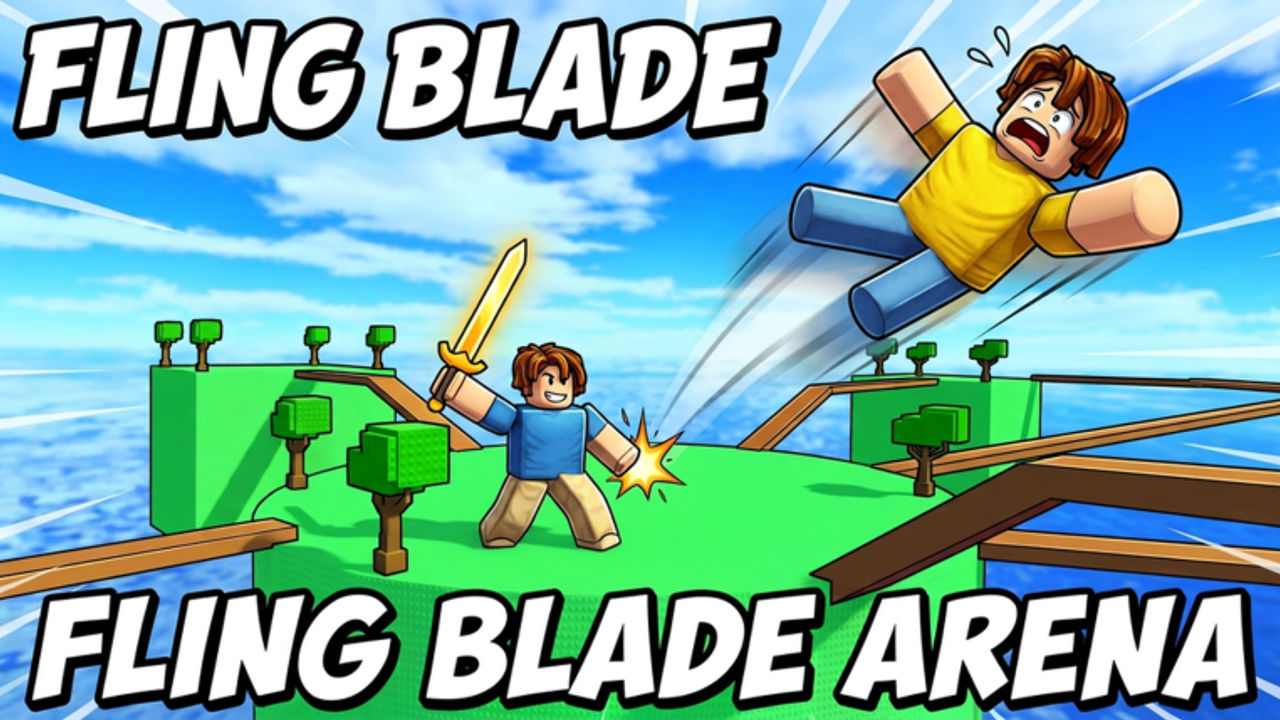
This Guides Hub is the map of every mechanical walkthrough on the Fling Arena wiki. The game—officially Fling Blade Arena [BETA] on Roblox—is a compact action battleground: up to 10 players, R6 avatars, round-based fling combat, coin pickup, and a shop for swords and powers. Use these guides when you want fair progression without relying on unverified codes or risky scripts.
Start here
If you just clicked Play, open Getting Started first. It covers day-one lobby flow, what “waiting for a round” means, how eliminations turn into coins, and which wiki pages to chain next.
Core mechanic guides
- Controls — PC, mobile, and controller-oriented input expectations for move, jump, attack/fling, and shop UI. Beta layouts can change; we call that out clearly.
- How to Fling — Connecting hits, converting launches into eliminations, edge awareness, and cluttered lobby tactics.
- Earn Coins — Farming currency during matches so shop progress does not stall while the codes system is still unconfirmed.
- Shop Guide — How to think about sword and power unlocks, when to save, and how to pair spends with the tier lists.
How these guides fit the loop
- Wait for the round to start.
- Fling and eliminate other players using timing and positioning.
- Collect coins from the flow of play.
- Unlock stronger swords and powers in the shop.
- Repeat with better tools.
Every guide above attacks one friction point inside that loop. Read them in order if you are brand new; jump surgically if you already understand combat but hate the shop.
Pair guides with tier lists and hubs
Guides teach how. Tier lists teach what to buy:
Also keep:
- Codes Hub — status while no codes are confirmed.
- Players Hub and Platforms — lobby size and device tips.
- Updates / Beta Notes — patch awareness.
- Scripts Hub — only if you are researching community tools; bans are real.
Tips for using the wiki during beta
Fling Arena was created 2026-08-25, updated around 2026-09-29, and remains BETA with very low visits. UI labels, knockback numbers, and shop rows can move. When something in a guide disagrees with your live client:
- Trust the client for button positions.
- Keep the principles (spacing, coin intent, force vs reach).
- Skim Beta Notes for the latest milestone.
We intentionally omit fabricated YouTube embeds and fake patch numbers. Depth comes from practical fling advice, not filler.
Recommended reading paths
Brand-new player: Getting Started → Controls → How to Fling → Earn Coins → Shop Guide → Swords/Powers tiers.
Returning after a patch: Beta Notes → How to Fling (refresh) → Tier List Hub → Shop Guide.
Economy-focused: Earn Coins → Shop Guide → Codes Hub (for future promos) → Tier lists.
Device-focused: Platforms → Controls → Getting Started.
Contribution mindset for readers
When you discover a permanent UI rename or a new shop category, compare it against these pages and the Updates Hub. The wiki stays useful in beta by updating principles quickly rather than inventing unfinished item databases.
Jump into Getting Started when you are ready for the full day-one walkthrough, or pick any child guide above if you already know which friction point hurts most.
Frequently Asked Questions
Quick answers for Fling Arena players.
Which Fling Arena guide should I read first?
Start with Getting Started, then Controls and How to Fling.
Do these guides assume PC only?
Where do I learn what to buy?
Use the Shop Guide with the Tier List Hub after you can earn coins consistently.
Are the guides still valid in beta?
Principles yes; exact UI may shift. Recheck Beta Notes after patches.