How to Redeem Fling Arena Codes
Be ready the moment the beta ships a working codes box or chat command.
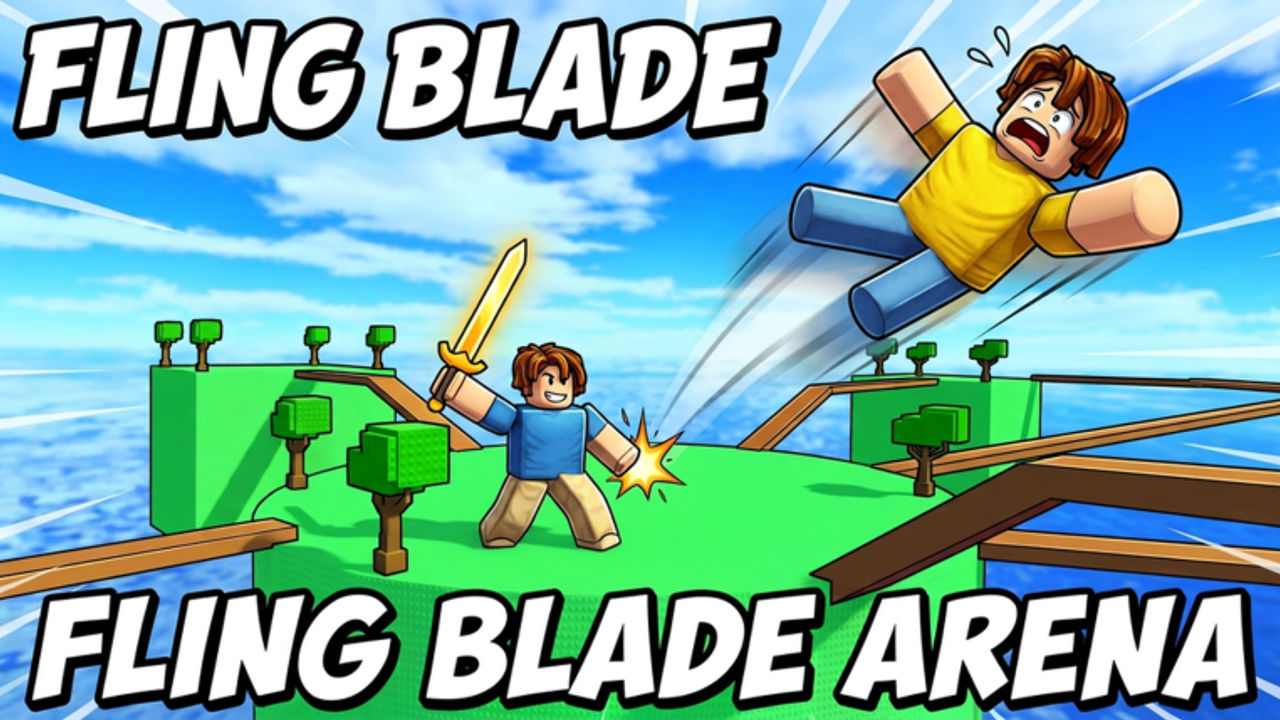
This guide explains how to redeem codes in Fling Arena (Fling Blade Arena [BETA] on Roblox) once an official system exists. Right now the experience has no confirmed active codes, but redeem UIs on Roblox follow a few predictable patterns. Learn them once so you do not lose a limited drop while hunting menus mid-round.
Pair this page with the Codes Hub for live status and Beta Notes for patch context.
Before you redeem
- Use the correct account — Join on the Roblox account that owns your swords, powers, and coins. Codes almost never migrate.
- Be in a live server — Many experiences only accept codes after character load, not from the Roblox website alone.
- Copy carefully — Codes are case-sensitive more often than not. Avoid trailing spaces when pasting on mobile.
- Stable connection — Soft currency grants can fail silently on rubber-banding servers; wait a few seconds before retrying.
- Know the reward target — Decide whether you need coins for the Shop Guide path or a combat unlock ranked on the Tier List Hub.
Pattern A: In-game Codes / Gifts button
The most common modern Roblox pattern is a dedicated Codes, Gifts, or Twitter button on the lobby HUD.
Typical flow:
- Leave an active fight if the UI locks during combat (many arenas disable menus mid-round).
- Open the lobby or pause menu and look for a gift box, ticket, or “Codes” label.
- Tap the text field, paste the code, and confirm.
- Watch for a toast, coin popup, or inventory flash. If nothing appears, reopen the shop once—currency UI sometimes needs a refresh.
Because Fling Arena is early beta, button placement may move after September 2026–style updates. After every patch, re-check the lobby edges and Settings drawer before assuming codes vanished.
Pattern B: Settings or Shop tab
Some battlegrounds hide redeem under Settings → Codes or as a tab inside the Shop. If you already open the shop to buy swords and powers, scan for a secondary tab labeled Codes, Redeem, or Promo.
Steps:
- Open Shop from the lobby (same entry used in the Shop Guide).
- Look across top tabs beyond Swords / Powers / Coins.
- Paste and submit.
- Confirm coin balance or unlock ownership before closing.
Pattern C: Chat commands
Older or lightweight Roblox games still use chat:
/code CODEHERE/redeem CODEHERE!code CODEHERE
How to try safely:
- Open chat (usually
/on PC). - Type the command exactly as documented when a code is announced.
- Press Enter once; spam can rate-limit chat.
- Check the system message channel for success or “invalid code” feedback.
If chat is disabled in a round, wait for intermission. Do not assume failure until you have tested in lobby chat.
Mobile-specific tips
Mobile players make up a large share of Roblox battlegrounds traffic:
- Paste from the clipboard rather than typing long codes.
- Rotate to landscape if the text field is clipped.
- Dismiss the on-screen joystick overlay if it blocks the confirm button.
- After redeeming, reopen the shop once so coin counters refresh.
See also Platforms for broader PC / mobile / console advice in Fling Arena.
Console and controller notes
On console, text entry often opens the platform keyboard. Hold the button prompt shown on the codes field, paste if your platform supports clipboard, then confirm with the on-screen OK. If the experience has no on-screen codes UI yet, console players must wait for a proper menu—chat typing on controllers is painful and error-prone.
Troubleshooting failed codes
| Symptom | Likely cause | What to try |
|---|---|---|
| Invalid / expired | Typo, old list, or already expired | Recopy from Codes Hub; check date |
| Already redeemed | One-time per account | Switch account only if allowed by rules |
| Nothing happens | Not fully loaded / UI desync | Rejoin server; reopen shop |
| Wrong game | Code for a different “Blade Arena” | Confirm place ID 77742527870224 |
| Region / group gate | Some codes require group join | Read the announcement carefully |
Never enter codes on third-party “generator” sites. Those pages steal passwords and cannot grant Roblox inventory.
After a successful redeem
- Note the reward type (coins vs unlock).
- Spend coins with a plan from Earn Coins and the Shop Guide.
- Compare new swords or powers against Swords and Powers so free progress improves fling strength.
- Return to rounds using How to Fling while the boost is fresh.
Staying ready while codes are offline
Until the Codes Hub lists live strings:
- Keep practicing the core loop from Getting Started.
- Track patches on Updates and Beta Notes.
- Ignore unverified social lists that claim “100% working” without a redeem path.
When the first official code lands, redeem with the pattern that matches the patch notes, then update your loadout instead of sitting in the lobby. Codes are a sprint—matches still decide who climbs the beta ladder.
Frequently Asked Questions
Quick answers for Fling Arena players.
Can I redeem Fling Arena codes on the Roblox website?
Usually no. Join a live server first, then use the in-game Codes UI, Shop tab, or chat command described when a code is announced.
Why does my code say invalid?
Common causes are typos, expiry, wrong experience, or already redeemed. Recheck the Codes Hub and confirm you are in Fling Blade Arena place 77742527870224.
Do codes work on mobile and console?
Yes when the UI exists—use paste on mobile and the on-screen keyboard on console. See Platforms for device tips.
Are there codes to redeem today?
No confirmed active codes during the current beta. Watch the Codes Hub and Beta Notes after updates.
Is it safe to use code generator websites?
No. Those sites cannot grant legitimate Roblox rewards and often phish accounts. Only redeem inside the official experience.